The Hidden Toll of Desk Work on Your Spine
Modern work life often means hours of continuous sitting. For millions of office and remote workers, the daily routine of remaining seated at a desk has a direct effect on spinal health. Health and Safety Executive data shows that musculoskeletal disorders affected 543,000 workers in Great Britain during 2023–24 and accounted for 7.8 million lost workdays. A 2021 study published in Health Promotion Perspectives found that prolonged sitting was associated with a 42% higher risk of developing lower back pain.
The spine is built for regular movement and balanced muscle engagement. When you sit for long stretches, especially with poor posture, the natural curves of the spine can flatten or shift out of alignment. This places uneven pressure on the vertebrae and spinal discs. The Mayo Clinic notes that even a correct ergonomic setup does not eliminate the downsides of static sitting. Staying in one position reduces blood flow to spinal tissues and forces muscles to work harder to keep the body upright.
This article covers the most common desk posture mistakes, explains how they contribute to neck and back pain, and offers evidence-based solutions you can apply today. Topics include the 90-90-90 rule for seated alignment, the 20-8-2 approach to standing desks, and guidance on when muscle soreness may signal something more serious that requires professional care.
How Poor Posture Triggers Back Pain
 Incorrect posture places uneven stress on the spine's vertebrae, discs, and supporting ligaments. When you slouch or lean forward for long periods, the natural curves of the spine flatten or shift, forcing muscles to work harder to hold the body upright. Over time, this imbalance can lead to back pain, muscle fatigue, and damage to spinal structures.
A slouched posture overstretches the spinal ligaments and places excessive strain on the discs between vertebrae, especially in the lower back. According to UCLA Health, poor sitting posture can damage spinal structures and contribute to recurrent episodes of neck or back pain. A forward-slumping position also reduces blood flow to spinal tissues and limits the spine's ability to absorb shock.
Forward head posture, sometimes called "tech neck," dramatically increases the load on neck muscles. For every inch the head moves forward, the effective weight on the neck increases by roughly 10 pounds. This extra strain pulls on the upper back and shoulders, creating tension that can radiate down the spine. The Mayo Clinic notes that poor monitor placement is a common trigger for this pattern.
Weak core muscles force the spine to bear extra load instead of the abdominal and back muscles sharing the work. Tight hip flexors from prolonged sitting pull the pelvis forward, exaggerating the lower back's curve and further straining the lumbar discs. The Spine Foundation explains that desk jobs commonly tighten the hip flexors, hamstrings, and chest, all of which affect spinal alignment. Addressing these muscle imbalances through targeted stretching and core activation helps stabilize the spine and reduce postural strain.
Slouching and Forward Head Posture
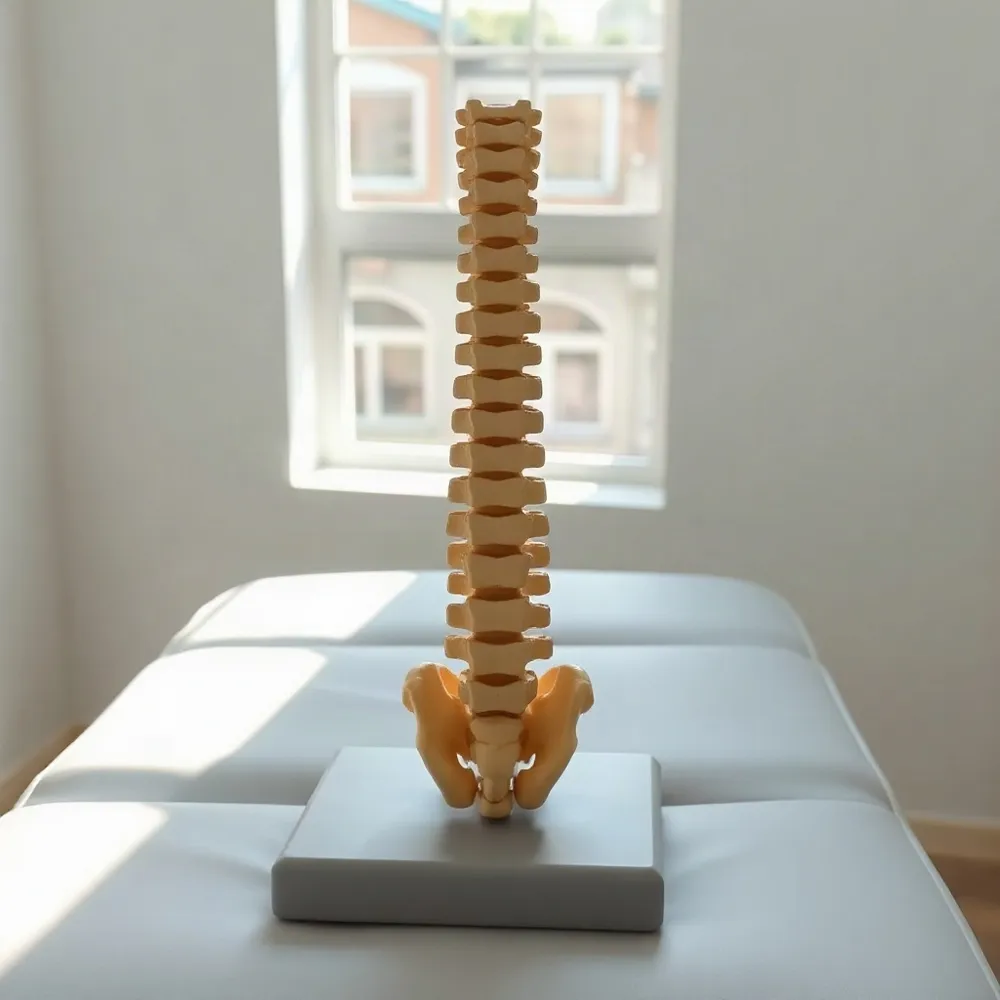 Two of the most common — and damaging — desk posture mistakes are slouching (rounding the shoulders) and forward head posture. These two habits rarely occur in isolation; one typically reinforces the other, creating a pattern that strains the entire spine.
How Slouching Affects the Body
When you slouch, your shoulders roll forward and your chest muscles shorten and tighten. This position overstretches the upper back muscles, weakening them over time. According to UCLA Health, a slouched sitting posture overstretches spinal ligaments and strains spinal discs. The rounded position also compresses the chest cavity, reducing lung capacity and making it harder to breathe deeply.
The Mayo Clinic notes that sitting with improper ergonomics can lead to neck and back pain and sore wrists and shoulders. Slouching places uneven pressure on the vertebrae and discs, particularly in the lower back, which can worsen existing back problems or create new pain.
The Strain of Forward Head Posture
Forward head posture, often called "tech neck," occurs when the head juts forward to view a screen. For every inch the head moves forward, the effective load on the neck increases by about 10 pounds. This dramatically increases the work required from the neck and upper back muscles, leading to fatigue, trigger points, and pain between the shoulder blades.
The Spine Foundation confirms that forward head posture significantly strains the neck and upper spine, and that raising laptops and holding phones at eye level can help. Over time, this posture can contribute to disc compression, headaches, and reduced mobility.
The Link to Upper Back Pain
Upper back pain at a desk is often a direct consequence of these combined habits. Slouching and forward head posture overload the thoracic spine and surrounding muscles. Prolonged sitting also limits core and back muscle activation, creating muscle imbalances that make it harder to maintain proper alignment.
A poorly designed workstation — a chair without adequate lumbar support, a monitor not at eye level — forces the body into awkward positions that continuously stress the upper spine. Addressing these issues with ergonomic adjustments and regular movement breaks is essential to relieve strain and restore comfortable, upright posture.
The 90-90-90 Rule for Sitting
The 90-90-90 rule is a simple ergonomic guideline that positions the body for stability and minimal strain during seated work. It specifies that your hips, knees, and elbows should each be bent at roughly a 90-degree angle, with your feet flat on the floor. This creates a neutral foundation that supports the spine's natural curves.
Begin at your chair: adjust the seat height so your hips sit slightly above your knees, forming a 90-degree bend. Your ankles should also be at approximately a 90-degree angle, with both feet planted firmly on the ground — use a footrest if they do not reach comfortably. A small gap between the back of your knees and the chair's seat edge helps maintain healthy circulation.
For the upper body, lower your elbows to rest at your sides with a 90-degree bend, keeping your forearms parallel to the floor. As the Spine Foundation notes, slouching weakens core and back muscles, while proper alignment distributes body weight evenly and minimizes disc compression. Supporting the lower back with a cushion or chair's lumbar support preserves the natural inward curve of the lumbar spine.
Practicing this setup helps prevent the stiffness and fatigue associated with prolonged static sitting. Chiropractic care, such as the patient-centered approach offered at glenwoodchiro.com, complements these ergonomic adjustments by addressing muscle imbalances and enhancing spinal mobility. Even with a correct 90-90-90 position, remember to shift your weight, stand, and move every 30 to 60 minutes to keep joints and muscles loose.
| Joint | Target Angle | Key Cue |
|---|---|---|
| Hips | ~90° | Hips slightly above knees; sit on 'sit bones' |
| Knees | ~90° | Feet flat on floor; gap behind knee |
| Ankles | ~90° | Both feet planted; use footrest if needed |
| Elbows | ~90° | Forearms parallel to floor; shoulders relaxed |
Misaligned Monitor and Keyboard
When your monitor sits off to the side or at a different height than your keyboard, your body is forced to compensate. The UCLA Health system explains that a twisted neck and shifted head strain the cervical spine and the muscles of the upper back, often leading to chronic neck pain and headaches.
The fix begins with positioning the screen so its top edge is at or slightly below eye level. The Mayo Clinic recommends keeping the monitor straight in front of the keyboard, about an arm's length away (20 to 40 inches), so you can sit with your head facing forward instead of tilted down or twisted.
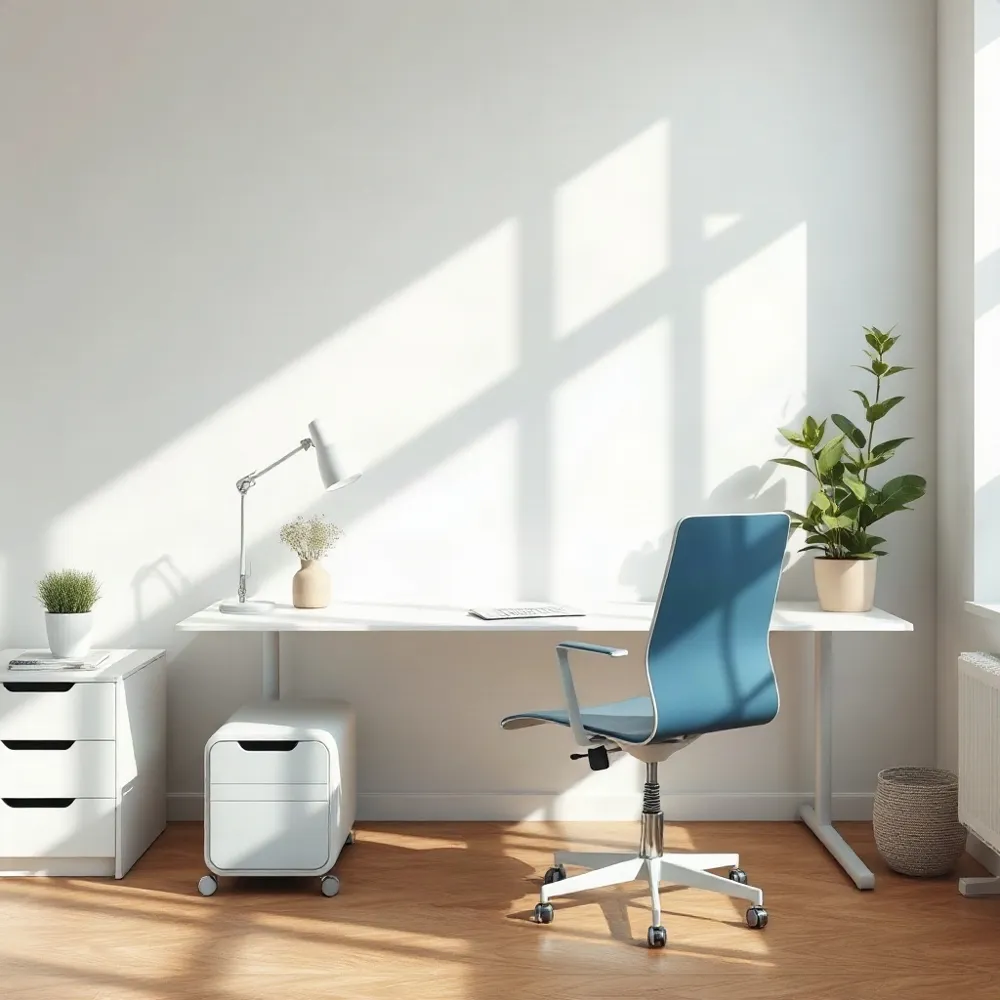
Keyboard and mouse height are equally important. If these are too high, you end up shrugging your shoulders and bending your elbows past a 90-degree angle, a pattern the Houston Methodist orthopedic team says forces the shoulder and arm muscles to work overtime, causing neck, arm, and wrist pain. The fix is to lower the keyboard so your forearms rest parallel to the floor, your shoulders relax at your sides, and your elbows form a 90-degree bend.
For a complete ergonomic setup, the team at Glenwood Chiropractic in Glenwood Springs recommends pairing a properly adjusted monitor and keyboard with a chair that supports the lower back. This combination keeps the spine's natural curves intact and lets the muscles work in a balanced, low-strain position.
The 20-8-2 Rule for Standing Desks
Standing desks are a popular solution, but simply standing still all day is not the answer. The key is movement, and one of the most practical frameworks comes from Professor Alan Hedge at Cornell University. His 20-8-2 rule provides a simple, research-backed structure: sit for 20 minutes, stand for 8 minutes, and move for 2 minutes during each 30-minute cycle.
This approach prevents the discomfort associated with both prolonged sitting and extended standing. When you sit for hours, spinal discs experience increased pressure. Standing in one place for too long can lead to its own stiffness and fatigue. By consciously rotating through these three positions, you improve circulation, reduce sustained spinal loading, and give your muscles a chance to relax and re-engage.
While the 20-8-2 ratio is an excellent starting point, your body is the best guide. Listen to its signals and adjust the intervals as needed to find a rhythm that keeps you comfortable and productive. The goal is to avoid static posture, which the UCLA Spine Center warns against regardless of how well your workspace is set up.
At glenwoodchiro.com, chiropractors work with patients to integrate this kind of evidence-based movement strategy into their daily work routine. The focus is on creating sustainable habits that support spinal health rather than just reacting to pain after it sets in.
Troubleshooting Upper and Lower Back Pain
Addressing Upper Back Pain from Slouching and Rounded Shoulders
Slouching and rounded shoulders are the primary drivers of upper back pain at a desk. This position forces the chest muscles to tighten and the upper back muscles to weaken, placing strain on the neck and shoulders. A quick fix is to perform scapular retractions: squeeze your shoulder blades together for 5 seconds and repeat 10 times. Regularly doing standing shoulder rolls and chin tucks can help retrain your posture and relieve tension.
Lower Back Pain and the Lack of Lumbar Support
Lower back pain often stems from a forward lean and a lack of lumbar support. Without support, the spine's natural curve flattens, increasing pressure on the discs and straining the lower back muscles. The UCLA Health ergonomic guide recommends keeping your buttocks pressed against the chair back and using a lumbar cushion to maintain a slight arch. For persistent lower back pain, planks and bridges strengthen the core and glutes, helping to stabilize the spine during extended sitting.
Effective Stretches and Strengthening Exercises
Stretches. Seated spinal twists and the child's pose help maintain spinal mobility. Standing hamstring stretches can also alleviate lower back tension caused by tight hip flexors.
Strengthening. Include scapular retractions to target the rhomboids, planks for overall core stability, and bridges to engage the glutes. These exercises build the muscular support needed to counteract the effects of prolonged sitting.
If these measures do not provide relief, a chiropractic evaluation at glenwoodchiro.com can identify underlying restrictions and create a personalized plan for mobility and lasting pain management.
Red Flags and When to Seek Help
While many cases of desk-related back pain improve with better ergonomics and movement breaks, certain symptoms require professional evaluation. Ignoring these warning signs can allow a manageable issue to become a chronic condition. If you experience any of the following red flags, it is time to consult a healthcare provider.
Five Red Flags of Low Back Pain That Require Medical Evaluation
To help you separate typical soreness from a condition needing medical attention, here are five specific warning signs for low back pain.
- Persistent, severe pain that fails to improve with rest, stretching, or adjustments to your workstation. If the pain continues after four to six weeks of conservative care, it may indicate a more serious underlying issue such as disc herniation or spinal cord compression.
- Numbness, tingling, or bilateral weakness in your legs. These symptoms can point to nerve root compression in the lumbar spine and often accompany conditions like sciatica or a herniated disc.
- Loss of bladder or bowel control, or the appearance of "saddle anesthesia" (numbness in the areas that would touch a saddle). This is a medical emergency requiring immediate attention, as it suggests possible cauda equina syndrome, a condition where spinal nerve roots are compressed.
- Suspicion of a fracture, infection, or spinal epidural abscess. A fall, a history of osteoporosis, or redness/swelling over the spine are context clues that warrant swift investigation.
- Pain that radiates or spreads into your lower legs without any obvious mechanical cause. This can indicate radiculopathy or a vascular problem and should be evaluated to prevent permanent nerve damage.
What to Avoid When Back Pain Strikes
When pain flares, certain common responses can actually make things worse. Prolonged sitting without breaks, sleeping on an unsupportive mattress, and using poor posture during daily activities can all worsen the condition. Avoid high-impact exercises such as running or jumping jacks, as well as movements that deeply flex the spine like crunches and sit-ups. These place excessive pressure on spinal discs and can aggravate symptoms.
Instead, focus on low-impact movement like gentle walking or partial planks to strengthen your core safely. For a personalized plan that addresses your specific pain and promotes lasting relief, consulting a chiropractor is essential.
Even with a perfect ergonomic setup, listening to your body's signals is critical. If you recognize any of these red flags, do not delay seeking professional guidance. Early evaluation can identify the cause and help you return to a pain-free workday more quickly.
Chiropractic Care for Posture Correction
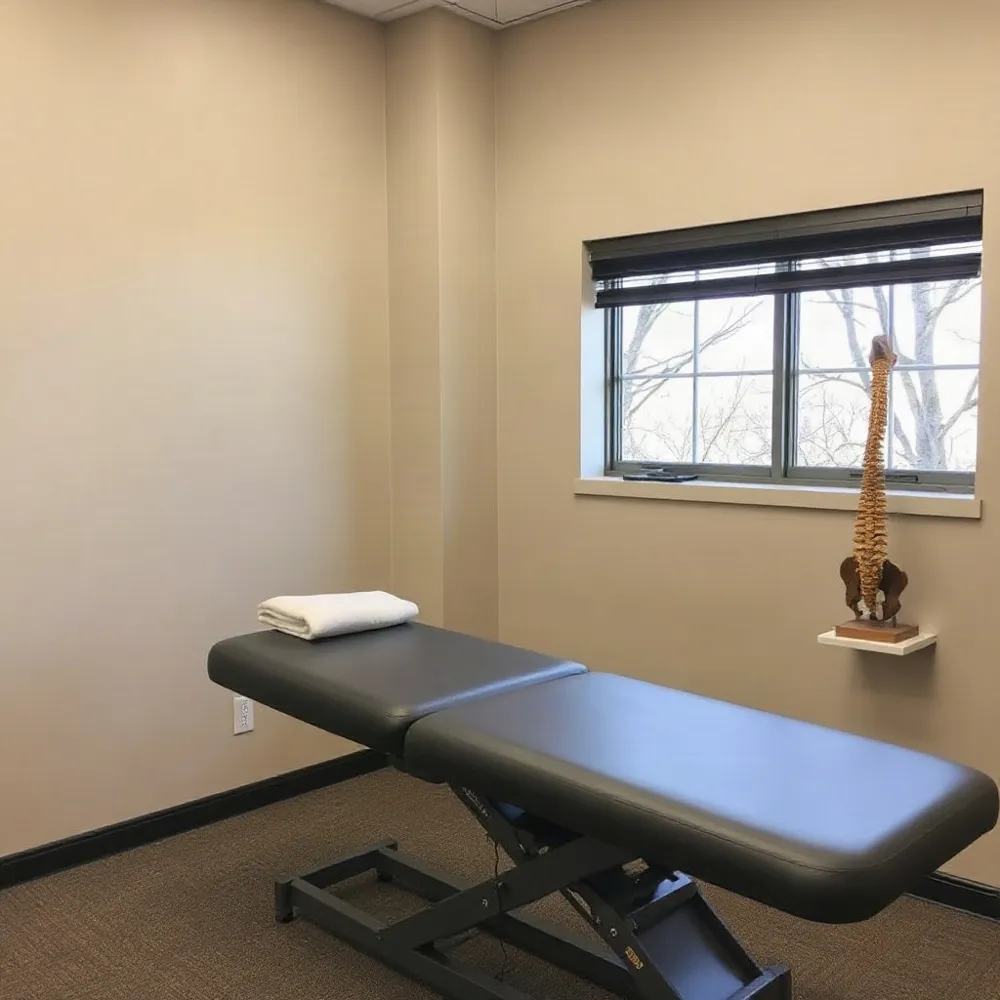 Yes, chiropractors can assess and improve posture through targeted spinal adjustments, soft tissue therapy, and corrective exercises. Poor posture often stems from muscle imbalances and joint misalignment, which chiropractic care addresses by realigning the spine and retraining supportive muscles. At a clinic like Glenwood Chiropractic in Glenwood Springs, Colorado, practitioners use gentle adjustments to restore mobility and relieve pain without relying on invasive procedures.
While structural changes are gradual, consistent treatment helps relieve common symptoms like neck stiffness, tension headaches, and back pain caused by slouching or forward head posture. A chiropractor can also identify daily habits—such as improper sitting or sleeping positions—that contribute to postural strain and guide you toward healthier movement patterns.
Can You Correct Years of Bad Posture?
Yes, it is possible to correct years of bad posture, regardless of age. Improvements come from consistency in stretching tight chest and shoulder muscles while strengthening weak back and core muscles to pull your frame upright. Being mindful of your positioning during daily activities like sitting at a computer helps retrain your body.
A chiropractor supports this process by addressing spinal misalignments and guiding you toward sustainable posture habits. They can prescribe easy desk stretches—such as neck side bends and shoulder blade squeezes—that target the muscle imbalances common among desk workers. Incorporating core-strengthening exercises also helps build the body awareness needed to maintain proper alignment throughout the day.
Ultimately, chiropractic care offers a holistic, non-invasive path to better posture, pain relief, and improved mobility. For desk workers in the Glenwood Springs area, Glenwood Chiropractic provides tailored plans that combine adjustments with lifestyle recommendations to address both upper and lower back pain.
Small Changes, Lasting Relief
Correcting desk posture does not require a complete office overhaul overnight. Small, consistent adjustments to your chair, screen height, and keyboard placement reduce the daily strain on your spine and supporting muscles.
The single most important change you can make is to break up prolonged sitting. As noted by UCLA Health, prolonged static posture is harmful even if your setup is perfect. Standing, stretching, or walking for one to two minutes every 30 minutes helps keep joints and muscles loose.
For those already experiencing pain, personalized guidance can address the specific muscle imbalances and misalignments caused by desk work. At Glenwood Chiropractic, care plans combine targeted adjustments with exercises and lifestyle advice to rebuild spinal health.